Choose one action for the desk
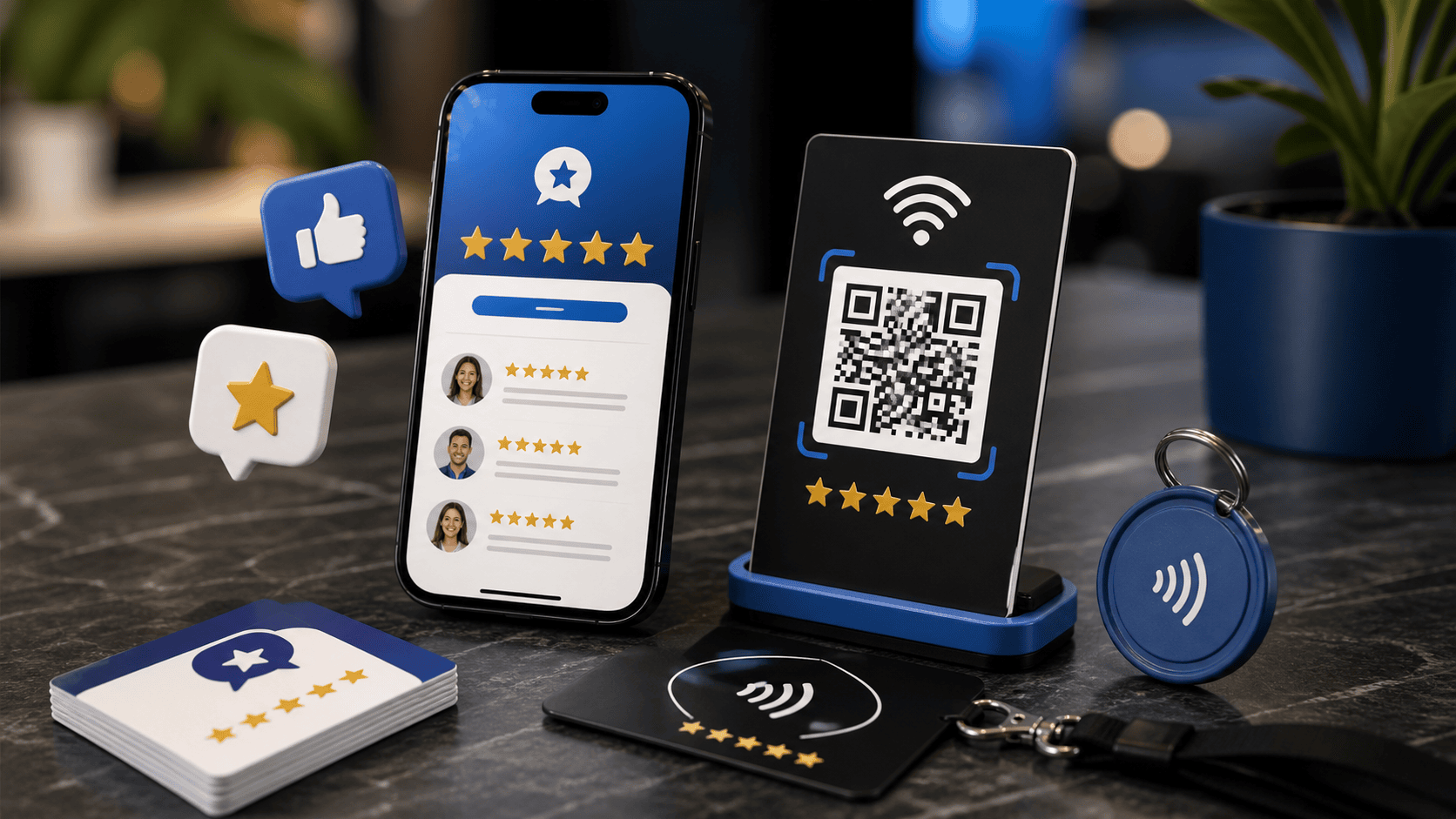
An event desk may need to share contact details, explain services, and answer visitor questions at the same time. Give the NFC stand one clear purpose for that event. A label such as Open our contact page tells visitors more than a general invitation to tap.
Check the destination before packing
Open the stand destination and confirm the business name, contact details, and intended next step. If you plan to change an existing destination, first identify any other cards or signs that use it. A temporary event change should not accidentally alter the experience at a permanent reception desk.
Test on the actual setup
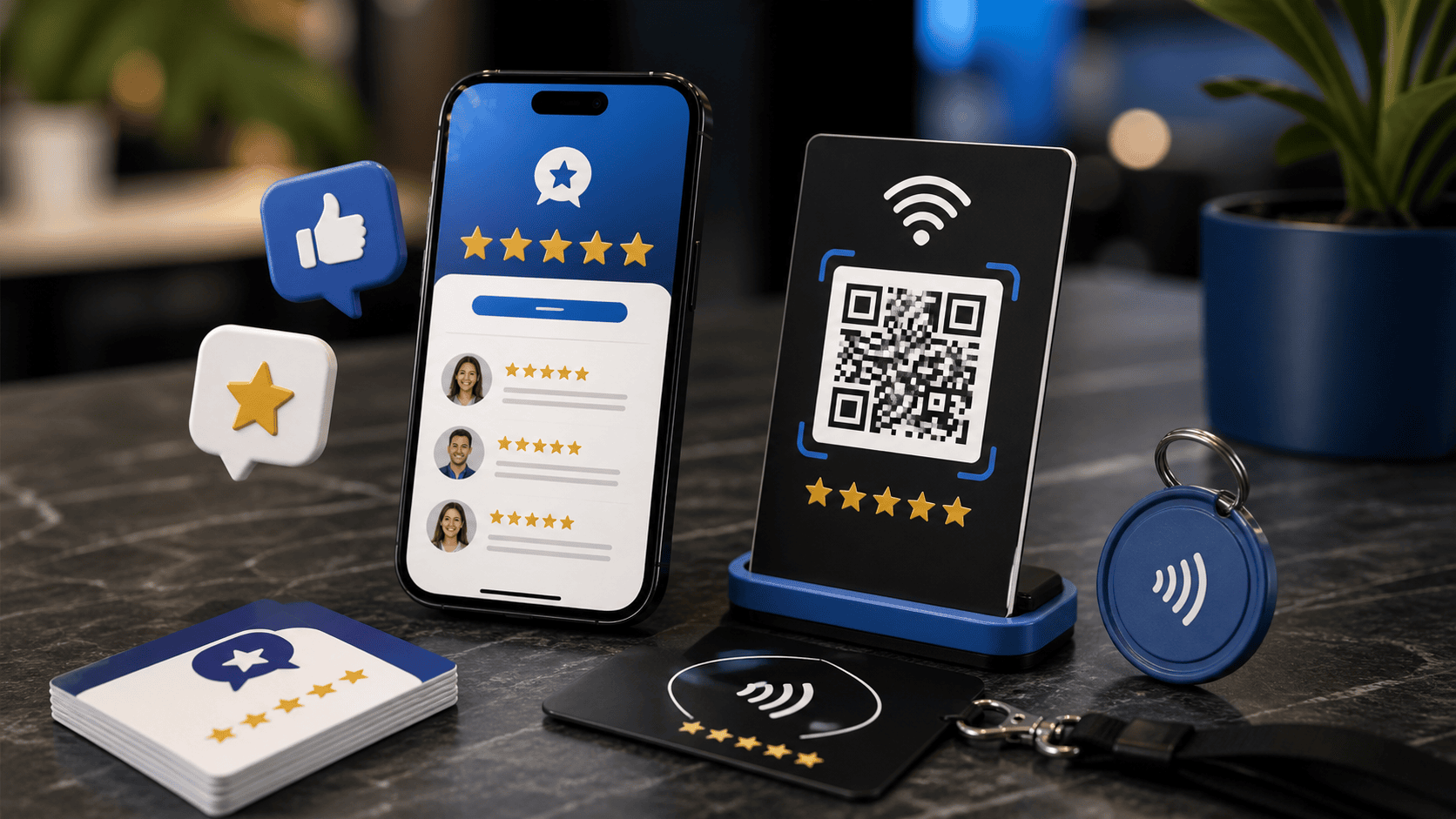
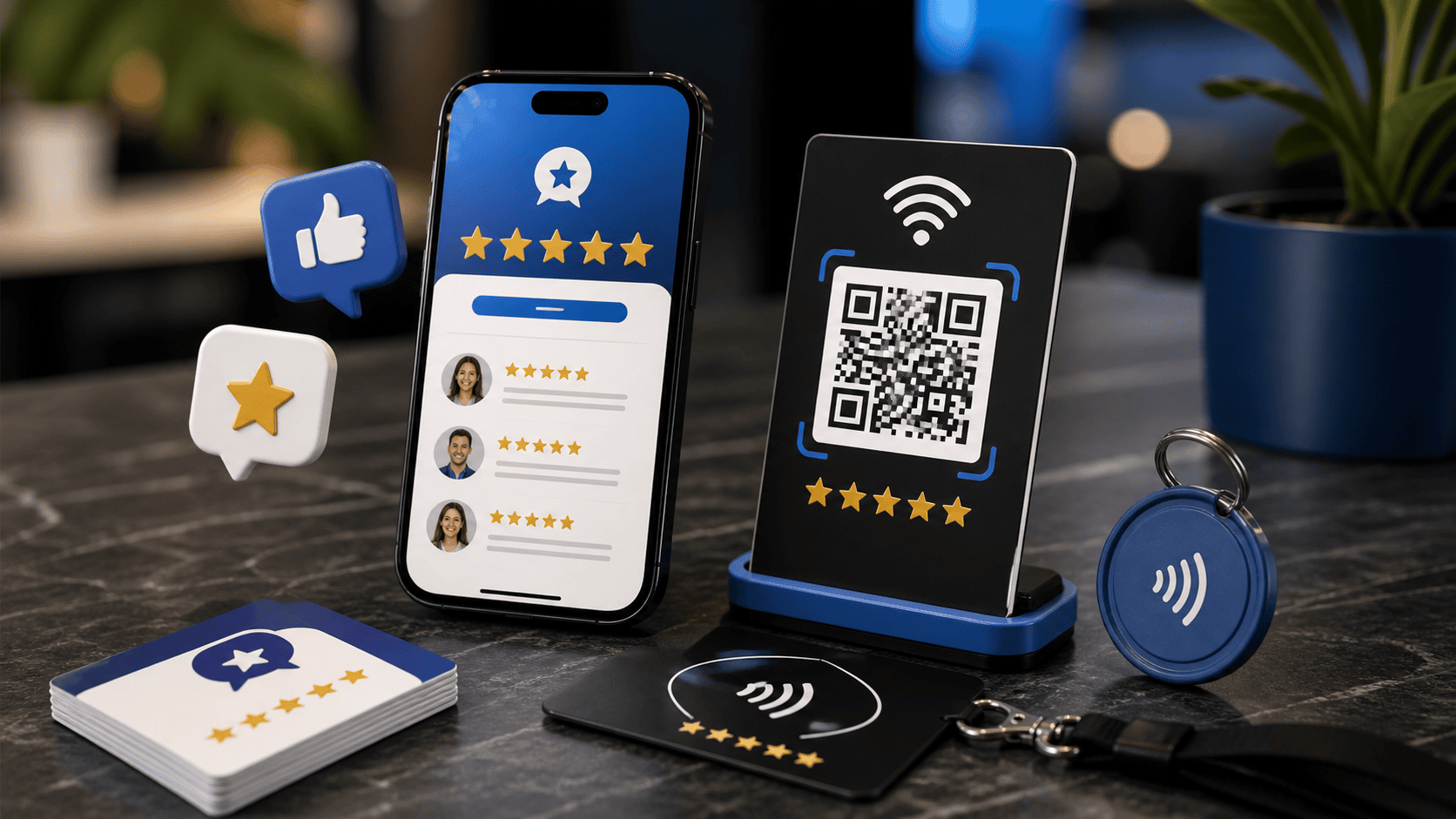
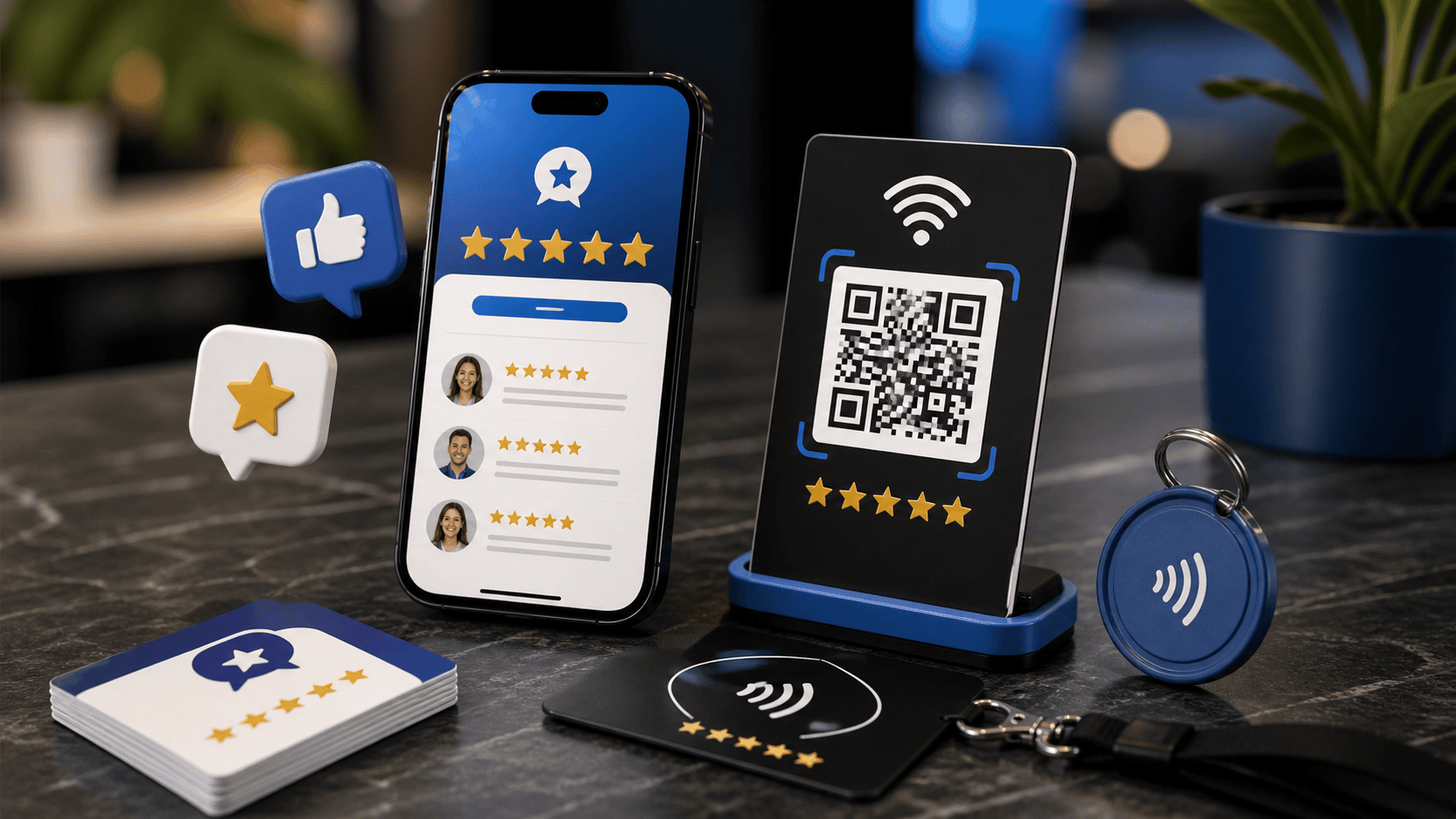
Try the stand on the table or display surface you expect to use, following the product instructions. Check the tap experience with the phones available to your team and confirm that any QR alternative opens the same intended destination. Place the stand within reach without making visitors move another person's paperwork.
Give staff a short explanation
Practice one sentence that describes what opens and why it is useful. For example: You can open our contact page here if you would like to reach us after the event. Let visitors choose whether to use it. Keep a written web address or another contact option available when tapping or scanning is inconvenient.
Plan the return to everyday use
At the end of the event, label the stand before returning it to storage or a branch. Check whether an event specific destination needs to remain available for people who saved the link. Record any planned change and its owner. The next employee unpacking the stand should be able to tell what it opens without guessing.