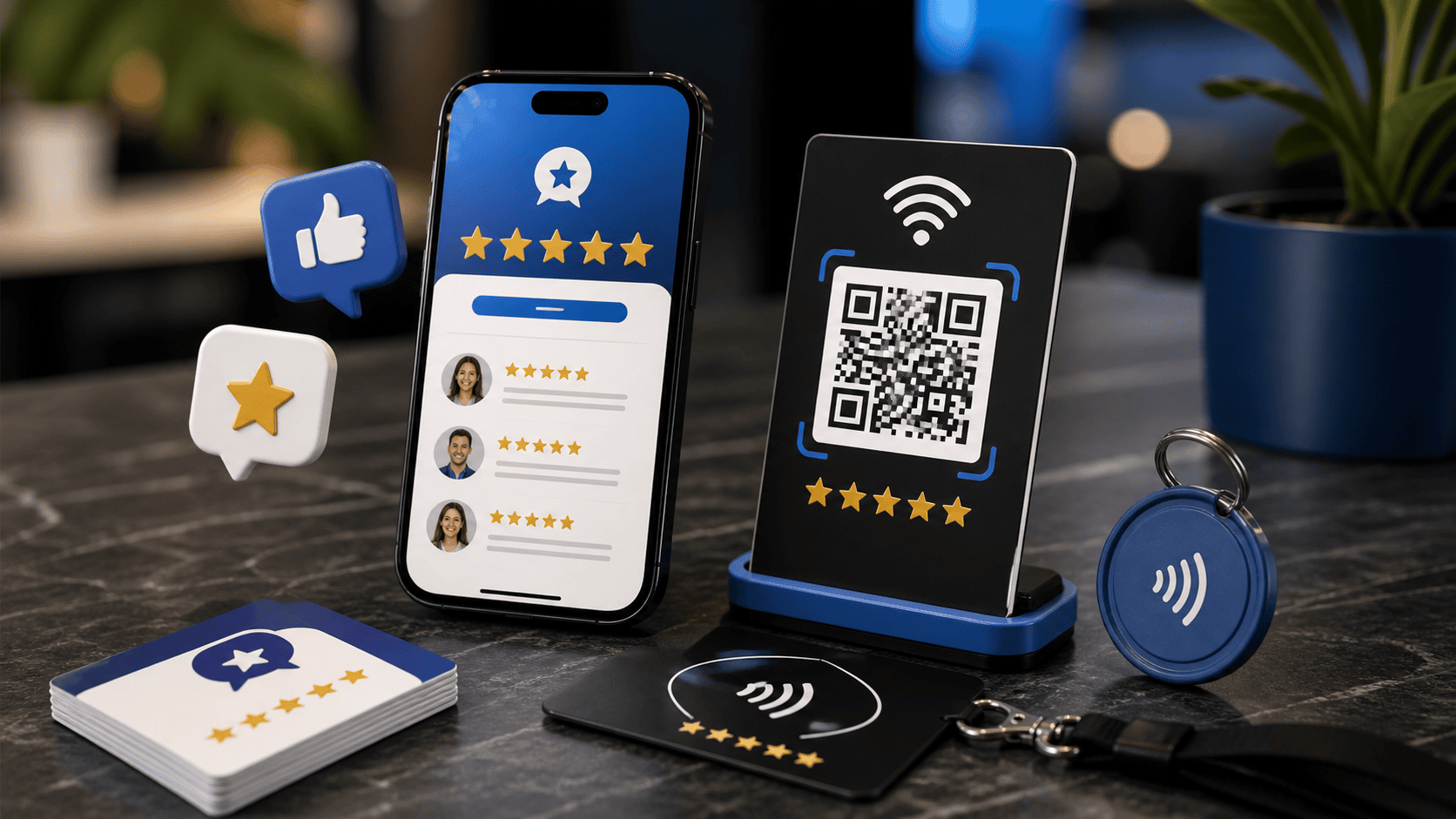
Design for the moment around the plate
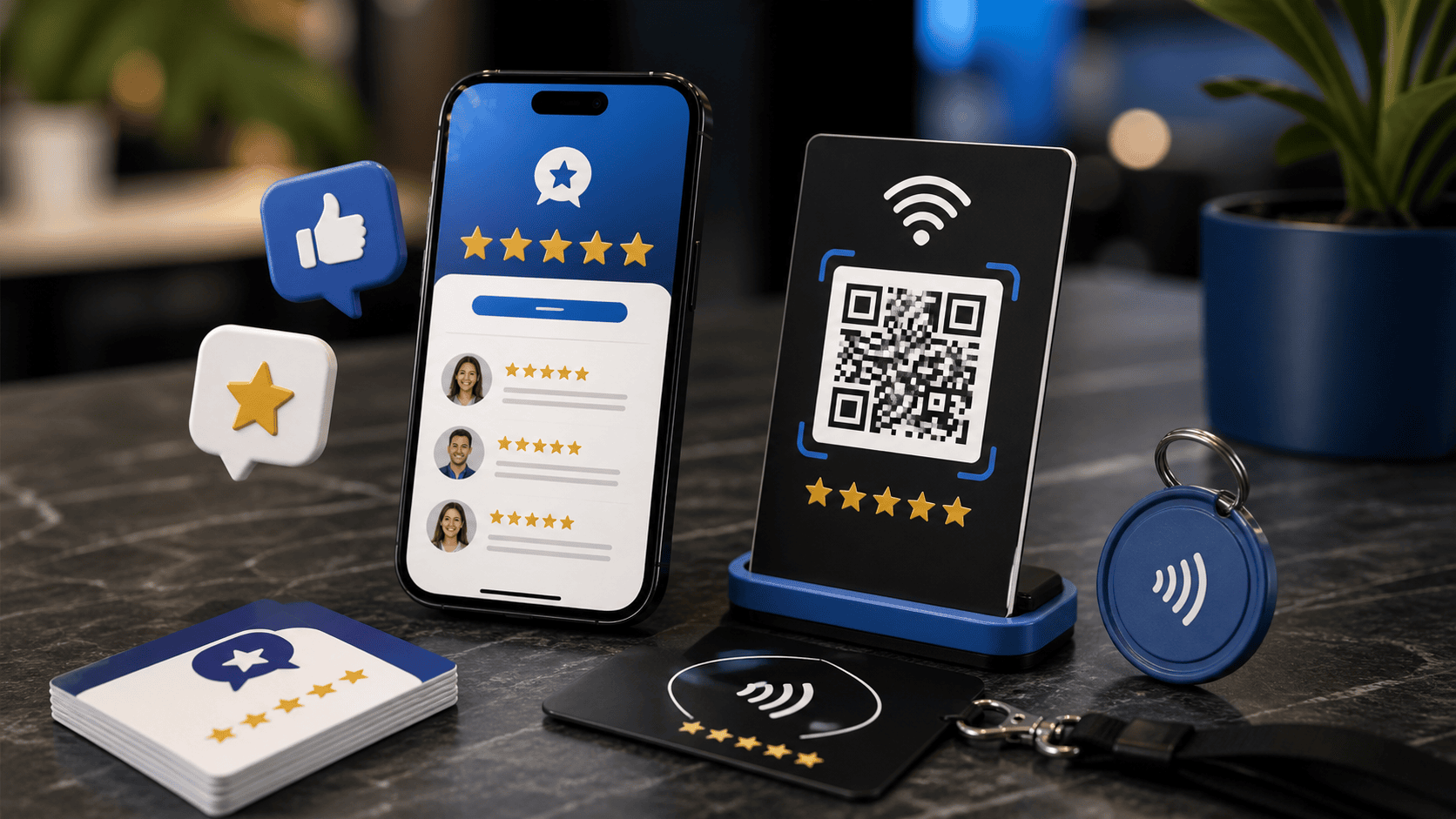
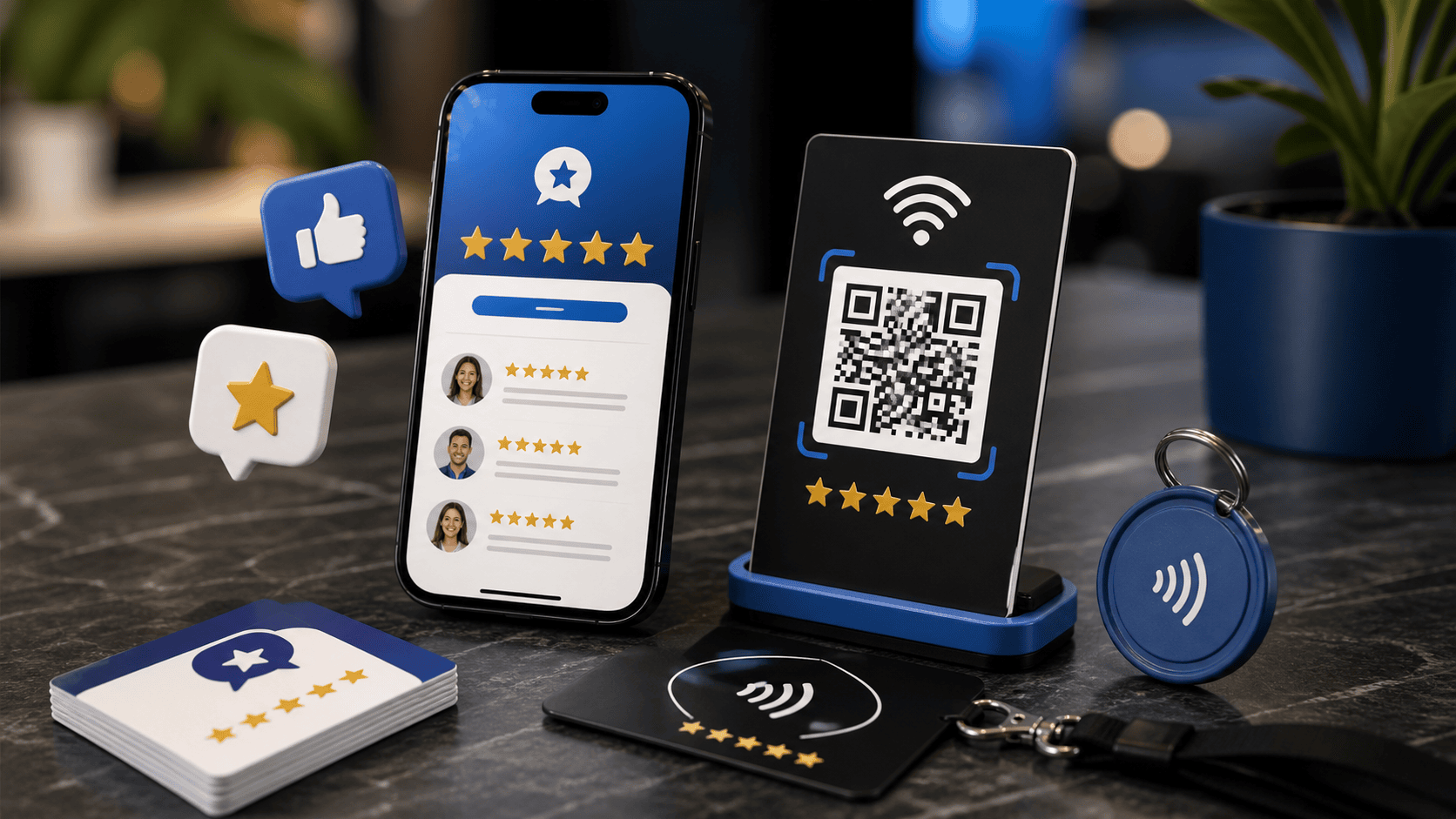
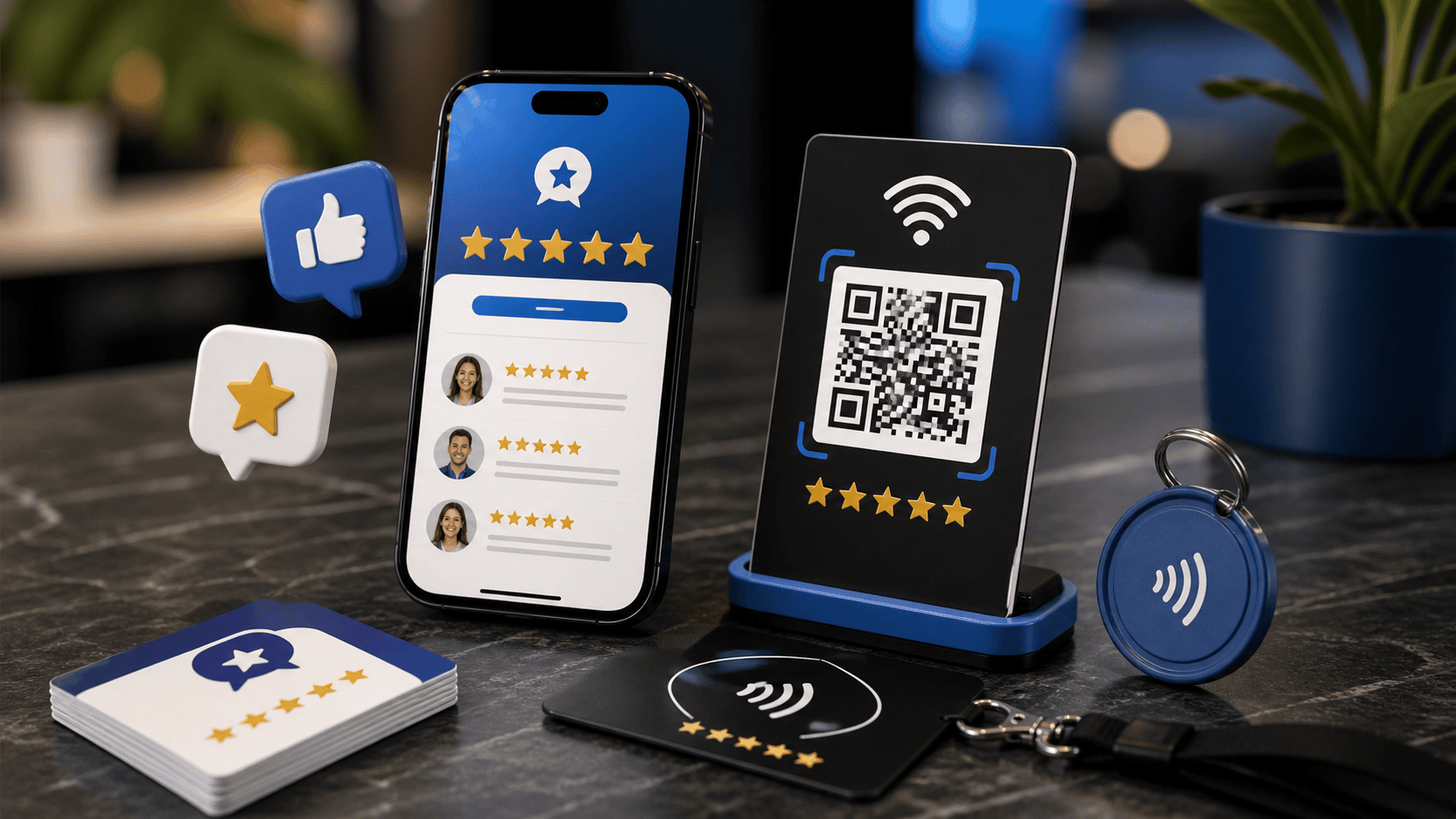
An NFC plate works best when the customer has a clear reason and enough time to use it. Watch the real interaction before choosing a position. A checkout counter, reception area, or pickup desk may offer a natural pause, while a doorway or crowded handoff area may make tapping awkward.
Use a label that explains the result
Tell the customer what will open, such as Leave feedback, Save our contact details, or View service information. Keep the instruction short and match it to the destination. A decorative plate with no explanation asks the customer to take an unknown action.
Check the surface and surrounding objects
Follow the product guidance for mounting and test the plate in its intended position before fixing it permanently. Nearby equipment, displays, or the installation surface can affect how practical the interaction feels. Keep a QR or written alternative visible when customers need another way to reach the same destination.
Practice the staff explanation
Give staff one respectful sentence that describes the option without pressure. For example, You can tap here if you would like to open our feedback page. The employee should also know how to help someone who prefers not to tap or whose phone does not open the destination as expected.
Inspect the full path after installation
Tap the installed plate, verify the business and location shown, and complete the intended action with designated test details. Confirm who receives any inquiry and how the team handles it. Repeat the check when furniture moves, a destination changes, or the plate is reassigned to another location.